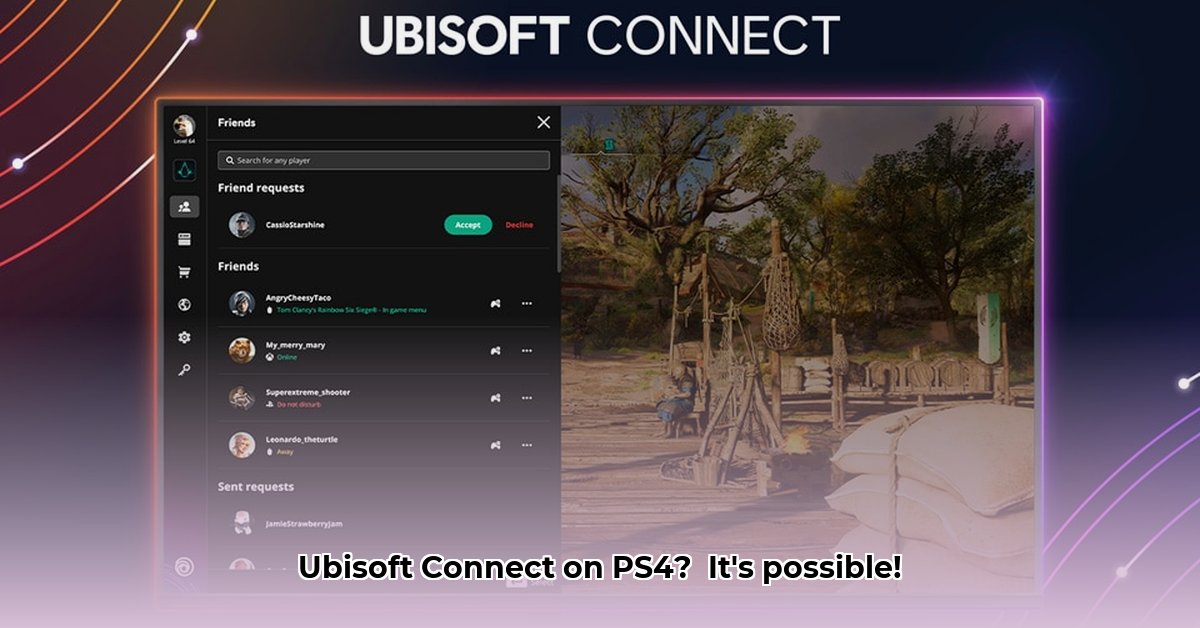
So, you're ready to dive into the world of Ubisoft games on your PlayStation 4? This guide will walk you through everything you need to know about Ubisoft Connect, from initial setup to maximizing your in-game rewards and understanding cross-platform play.
Getting Started: No Separate Download Needed (But You'll Need a Ubisoft Account!)
Unlike many other platforms, Ubisoft Connect isn't a separate app you download on your PS4. Instead, its features are integrated directly into compatible Ubisoft games. Think of it like Netflix; you don't download an app for each movie—they're all within the Netflix app. Similarly, Ubisoft Connect's functionality is built into the games themselves.
However, to access all the features, including rewards and social aspects, you will need a Ubisoft account. Let's create one!
Linking Your Accounts: Connecting Your Ubisoft and PlayStation Worlds
Before you start enjoying Ubisoft games, you need to link your Ubisoft account to your PlayStation Network (PSN) account. This is crucial for accessing games, rewards, and connecting with friends across platforms.
Here's how to link your accounts:
- Visit the Ubisoft Website: Open your web browser and go to ubisoft.com.
- Create or Log into your Ubisoft Account: If you don't already have one, create a free account. You'll need an email address. If you have an account, log in.
- Locate Account Settings: Find the "Account Settings" or similar section within your Ubisoft profile. The location may vary slightly depending on the website design.
- Link your PSN ID: Look for the option to link or connect your PSN account. You'll likely need to enter your PSN ID or username.
- Confirm the Link: Follow the on-screen instructions to confirm the connection. You might receive a confirmation email or message.
Exploring the Ubisoft Ecosystem on Your PS4
While there's no standalone Ubisoft Connect app, its features are woven directly into your Ubisoft games.
- Your Game Library: Access and play all your Ubisoft games directly through your PS4's game library.
- Ubisoft Connect Units: Unlocking In-Game Rewards: Earn Ubisoft Connect Units by playing games, completing challenges, and participating in events. Redeem these Units for in-game items, outfits, and more. The availability of rewards can vary by game and region.
- Connect with Friends: Many Ubisoft games include social features through Ubisoft Connect, letting you connect with and compete against your friends.
Understanding Ubisoft Connect Units: Rewards, Regional Variations, and More
Ubisoft Connect Units are your virtual currency. Earn them by playing games and completing challenges. Redeem them for various in-game items and rewards. However, remember that the available rewards and their value can differ based on your region. Always check the in-game store to see what's available. Did you know that some exclusive rewards are only offered for limited times? Don't miss out!
Cross-Platform Functionality: A Look at Cross-Play and Cross-Progression
Ubisoft aims for seamless cross-platform play, but not all games support all features equally. Some games let you share progress (level, currency, items) between PS4 and other platforms. However, achievements and trophies are usually platform-specific. Also, cross-play availability depends on the specific game. Check each game's details before you buy.
Data Privacy and Security: Understanding Ubisoft's Policies
Ubisoft has a detailed privacy policy outlining how they handle your data; we encourage you to review it on their website. While Ubisoft states they use industry-standard security measures, very specific details about their security protocols aren't publicly available.
Troubleshooting: Addressing Common Issues
Here are some common problems and solutions:
| Problem | Potential Solutions |
|---|---|
| Game won’t launch. | Check your internet connection. Ensure the game is fully updated. Restart your PS4. |
| Can’t link accounts. | Double-check your login details for both accounts (Ubisoft and PSN). Try again. |
| Ubisoft Connect features aren’t working | Ensure your game is updated and that your Ubisoft and PSN accounts are linked. |
| Units not appearing | Wait; they might not appear instantly after completing a challenge. |
This guide provides a comprehensive overview of Ubisoft Connect on your PS4. We hope it enhances your gaming experience!
⭐⭐⭐⭐☆ (4.8)
Download via Link 1
Download via Link 2
Last updated: Friday, May 02, 2025